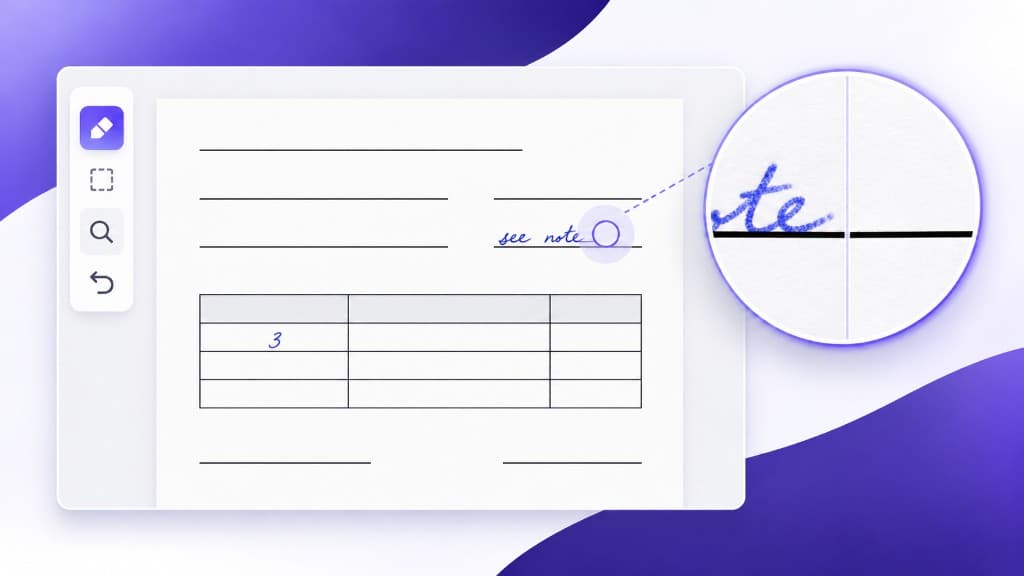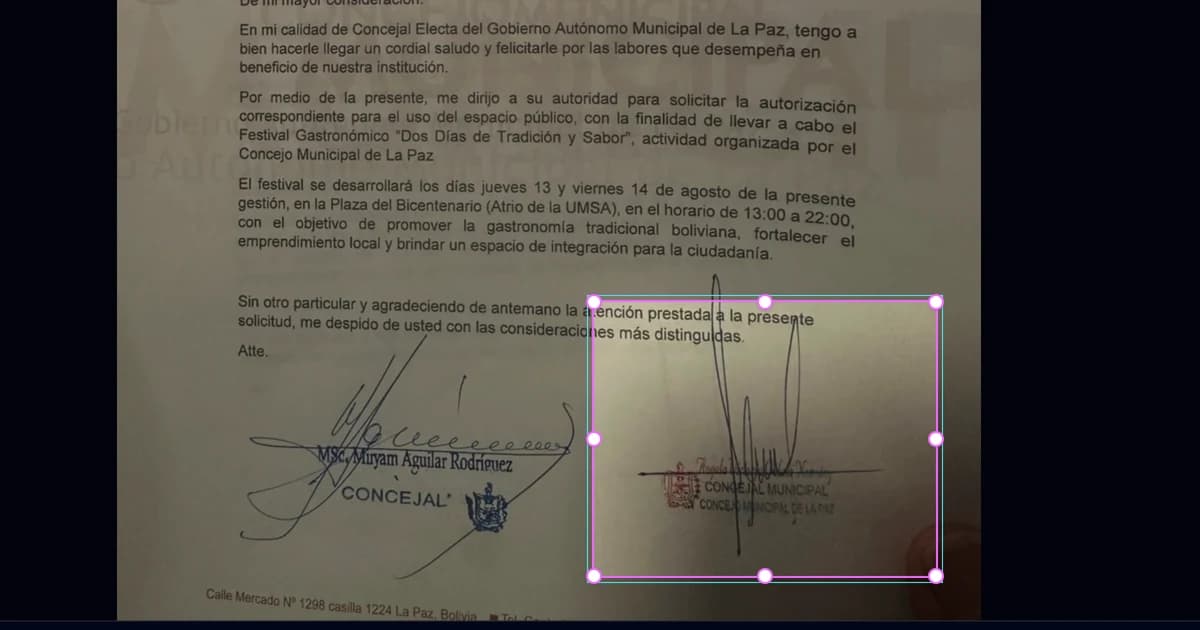
Remove Handwriting from a Selected Area of an Image: Step-by-Step Guide
Remove handwriting from a selected area of an image, photo or scan. Follow this illustrated guide to adjust the rectangle and review the result.
Guides and updates from RemoveHandwriting on AI document cleanup, handwriting removal, and product news.
Browse our complete collection of guides, tutorials, and how-to articles. Step-by-step instructions for cleaning exam papers, restoring documents, and using AI to remove handwriting. Written for students, teachers, and professionals.

Remove handwriting from a selected area of an image, photo or scan. Follow this illustrated guide to adjust the rectangle and review the result.

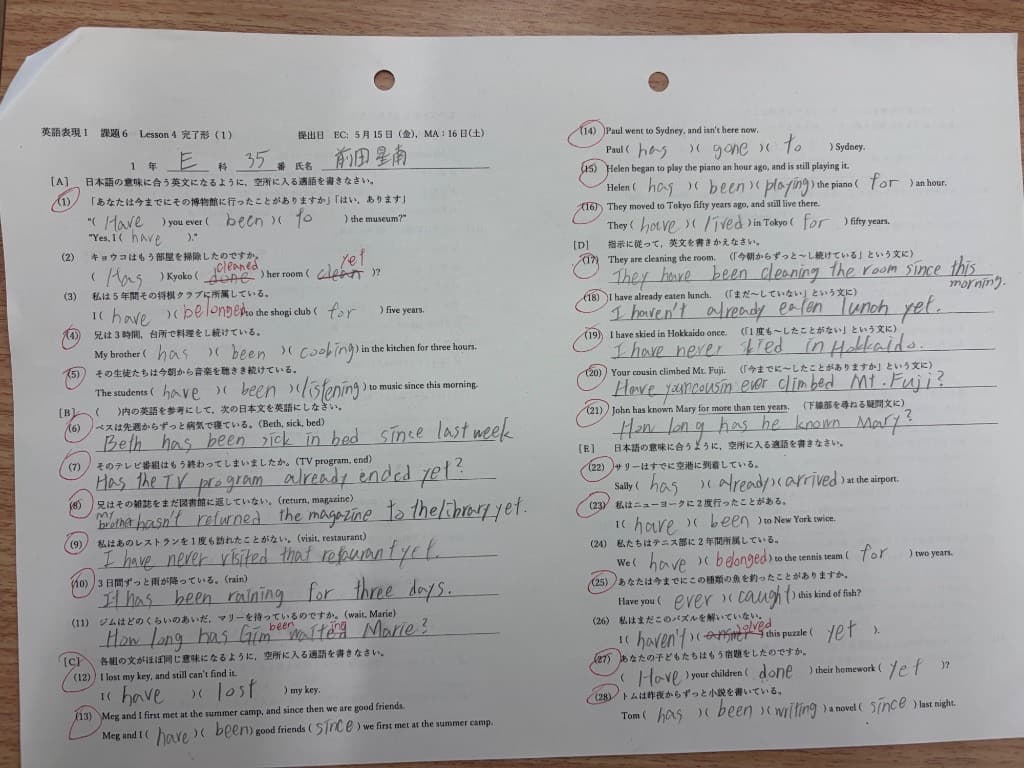
Learn how to remove handwritten answers from worksheet images and scanned PDFs, review the results, and download clean copies for repeat practice.

Automatic cleanup removes most handwriting. If a few strokes remain, open the manual eraser to remove them from your existing result. The manual eraser works on single images, bulk jobs, and PDF pages, uses no extra credits, and stays on this page until you download.

Color removes handwriting and keeps color, layout, crop, and lighting. It costs 3 credits per image. Use Ultra (5 credits) for harder scans.

Choose Color mode to remove handwriting without turning the image black and white. Color costs 3 credits per image and keeps paper color, highlights, and colored printing. Use Standard when color does not matter.

RemoveHandwriting.com offers genuine free usage: new users get 3 free credits, download the app to watch ads for more credits, or share your referral link—both you and your friends get 3 credits each. No credit card required.

Official Remove Handwriting AI app for iPhone, iPad, and Android. Free on the App Store and Google Play. New users get 3 credits.

Step-by-step guide for removing handwriting from an image, photo, or scanned page. Learn the fastest workflow, then use the RemoveHandwriting.com tool to clean the file online in seconds.

RemoveHandwriting.com has served over 100,000 customers in 2+ years. In 2026, we continue improving our AI handwriting removal algorithm for students, teachers, and document managers. Thank you for your trust.

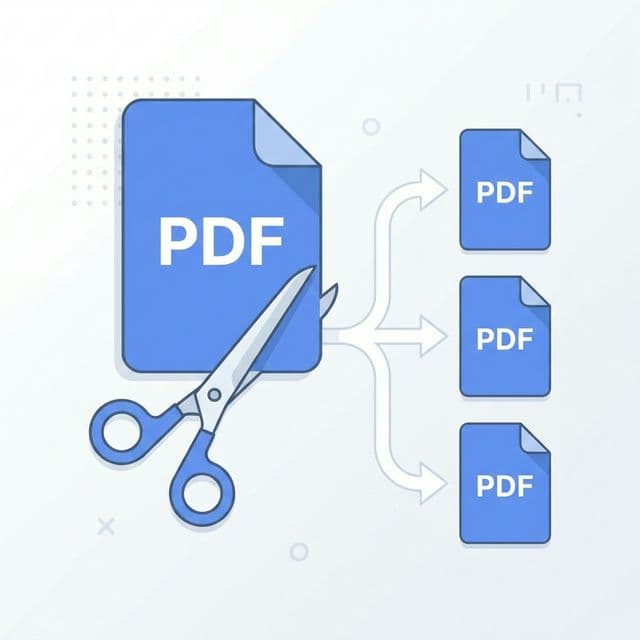
When your PDF is too large for our PDF handwriting remover, use the Split PDF tool first to split it into smaller files, then remove handwriting from each part. Step-by-step guide with links to both tools.

Complete guide to removing handwriting from images using AI, then creating before/after PDF comparisons. Step-by-step workflow for cleaning documents and archiving results. Free tools, no registration required.

Get perfect results when you need to remove handwriting from documents, exam papers, forms, and photos. Our premium manual processing preserves 100% color accuracy - exclusive for subscribers.

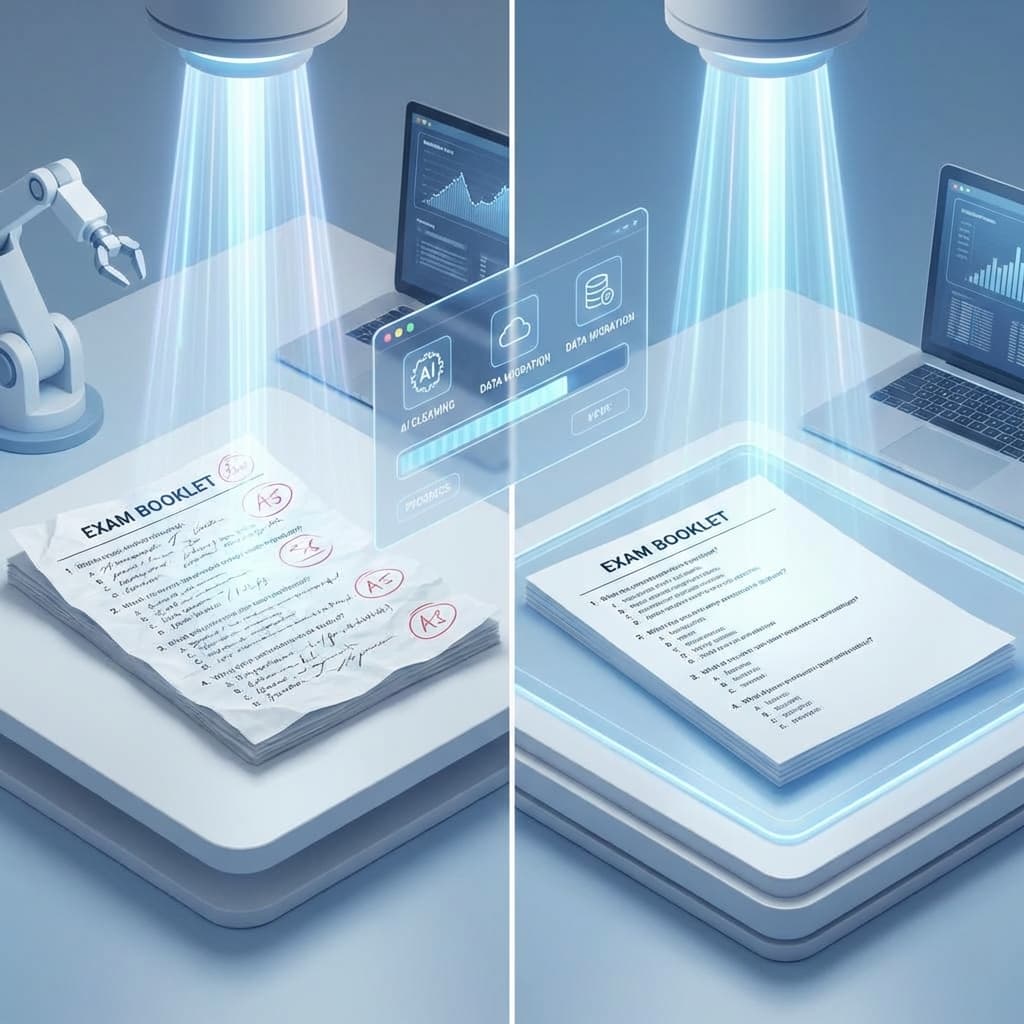
Learn how to clean your exam papers effortlessly with AI. This complete guide covers everything you need to know about removing handwriting from exam sheets, test papers, and practice exams. Perfect for students, teachers, and educators.

Important security warning: Our official app is now available on both the App Store and Google Play. Download only from the official links below. Beware of fake apps that abuse our name, show intrusive ads and charge users unfairly. Learn how to protect yourself and recognize the real RemoveHandwriting service.

Discover everything about RemoveHandwriting.com: AI-powered handwriting removal, document restoration, batch processing, PDF support, pricing plans, and step-by-step usage guide. Perfect for students, teachers, and professionals. Start with 3 free credits!

Discover all RemoveHandwriting pricing plans: Basic and Pro subscription packages, credit packages with lifetime validity, detailed price comparisons, and expert recommendations to help you choose the perfect plan for your document processing needs.

Get 3 free credits, 5–10 second AI cleanup, and the lowest subscription prices of the year during Black Friday 2025. Perfect for first-time users who want to remove handwriting from documents instantly.

Complete guide to upgrading and downgrading your subscription plan. Learn how upgrade pricing works with Stripe and PayPal, understand prorated billing, and discover why downgrades aren't currently supported. Includes step-by-step instructions and real-world examples.

Complete guide to RemoveHandwriting pricing: Compare subscription plans vs credit packages. Learn about unlimited processing, lifetime credits, flexible pricing options, and choose the best plan for your needs. Free trial available.

Discover the three different ways to remove handwriting from your documents: single image processing, bulk processing, and PDF processing. Learn when to use each method and how to get the best results.

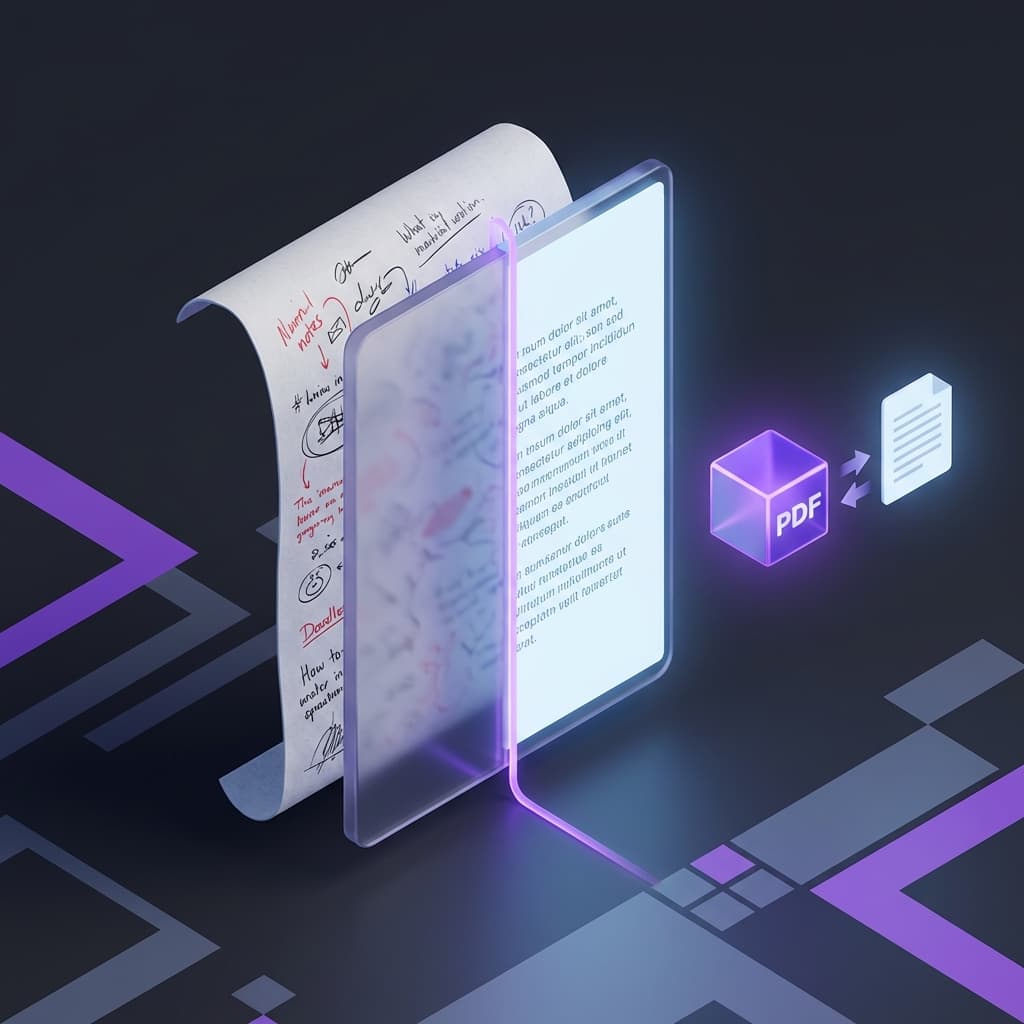
A step-by-step guide for cleaning handwritten notes from a scanned PDF while keeping the printed layout readable.

Step-by-step guide to remove handwriting from exam papers using AI. Clean test sheets while preserving printed text—ideal for students, teachers, and parents.

Learn how to remove handwriting from PDF documents directly with our AI PDF eraser. Upload PDFs, select pages, and download clean documents—no conversion needed.

Learn how to remove pen writing from images and PDF documents using AI—erase handwriting while preserving printed text and layout. Practical steps and tools for clean results.

Forgot your homework? Use AI to recreate a clean copy from photos—remove handwriting, straighten pages, and enhance clarity in 4 quick steps.

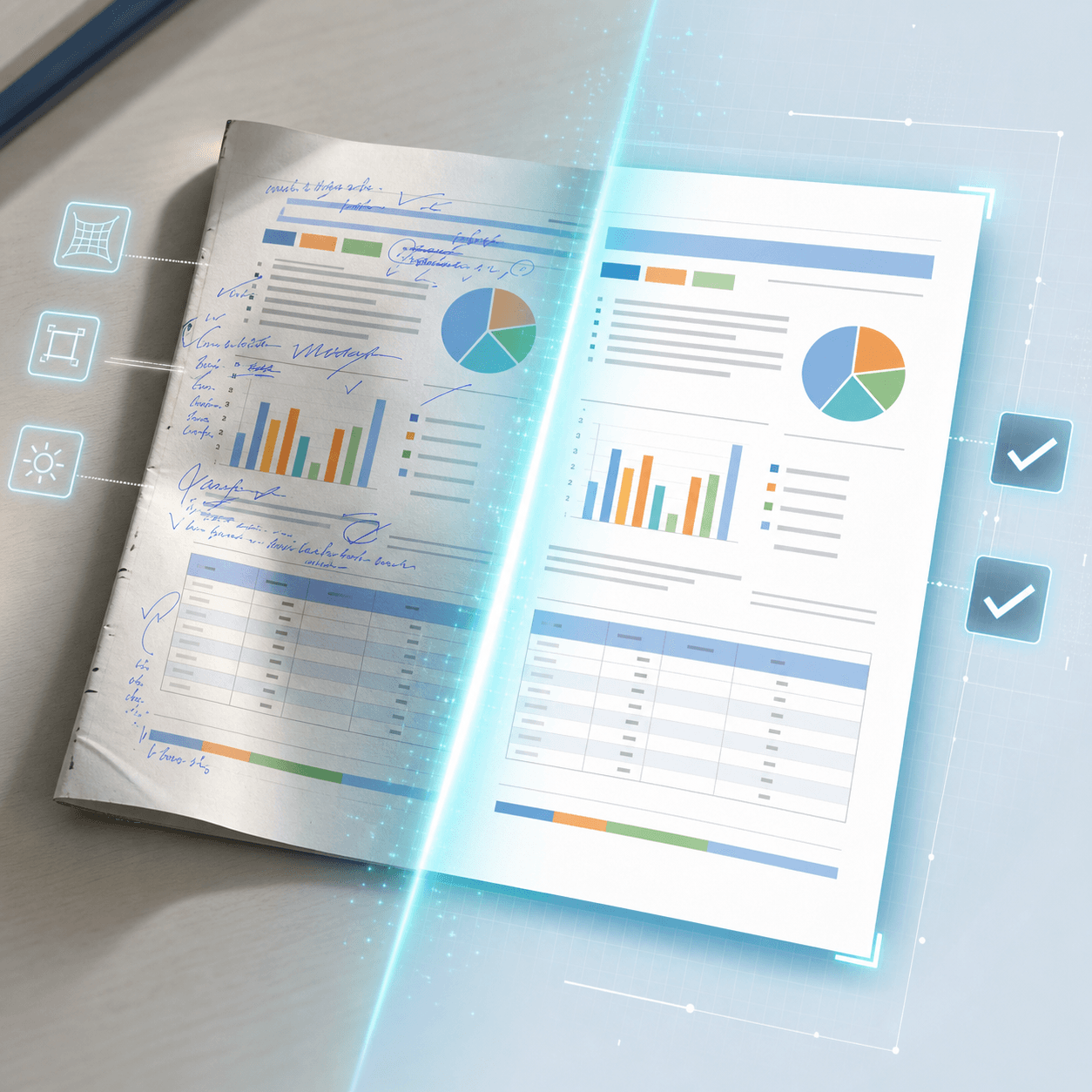
Discover the ultimate AI solution for document restoration: remove handwriting, fix scans, and preserve printed text and layout—fast, accurate, and easy to use.

A developer walkthrough for adding document cleanup to an app, including authentication, requests, and where to read the REST docs.

We upgraded our servers and optimized algorithms to deliver faster processing and smarter detection—resulting in cleaner, more accurate handwriting removal for images and PDFs.

What we learned building RemoveHandwriting: key challenges, user feedback, and our roadmap to the world’s #1 AI for removing handwriting from images and PDFs.

Learn how to remove pen ink from paper photos and scans using AI. Erase handwriting while preserving printed text; restore documents and book pages cleanly.

Step-by-step guide to remove pen marks and handwriting from PDFs using AI. Clean scanned documents while preserving layout and text clarity—fast and reliable.

Restore documents with AI: remove handwriting, fix distortions and shadows, clean stains, and straighten scans—preserving layout and text clarity in seconds.

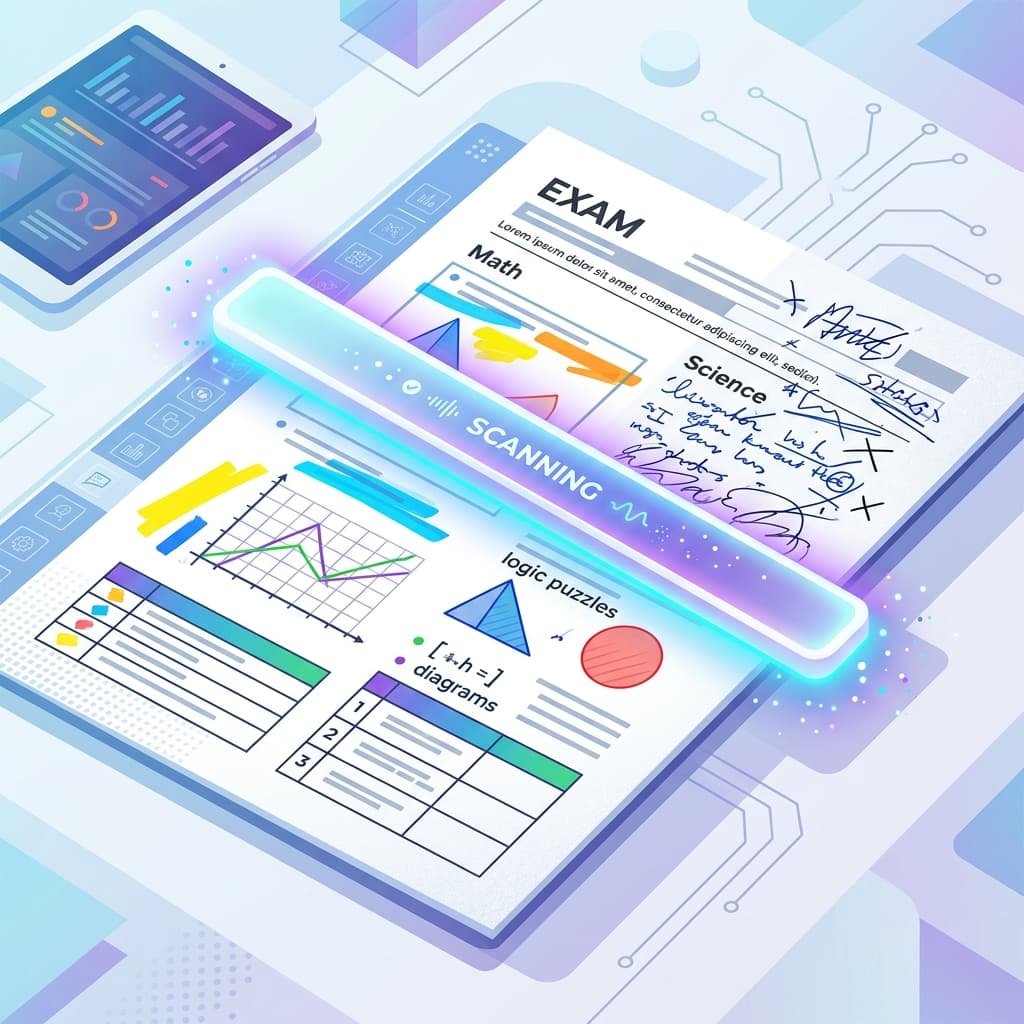
Clean test papers with AI: remove handwriting and answers, straighten pages, and generate reusable blank templates—fast and accurate for teachers and parents.

Use AI to refresh assignments and exam papers: remove handwriting and notes, straighten pages, and enhance clarity for clean submission or archiving.