
AI handwriting removal
Remove handwritten notes and marks from document photos while keeping printed content where possible. AI processing requires an internet connection and uses credits.
Try Web VersionOfficial app download
iPhone, iPad, and Android
Download the official Remove Handwriting app for iPhone, iPad and Android. Clean handwriting from photos and PDFs, correct document perspective, and use free image editing and PDF conversion tools.
Screens from the current iOS build, shown in English. Features and prices may vary by version and store. Select an image to enlarge.
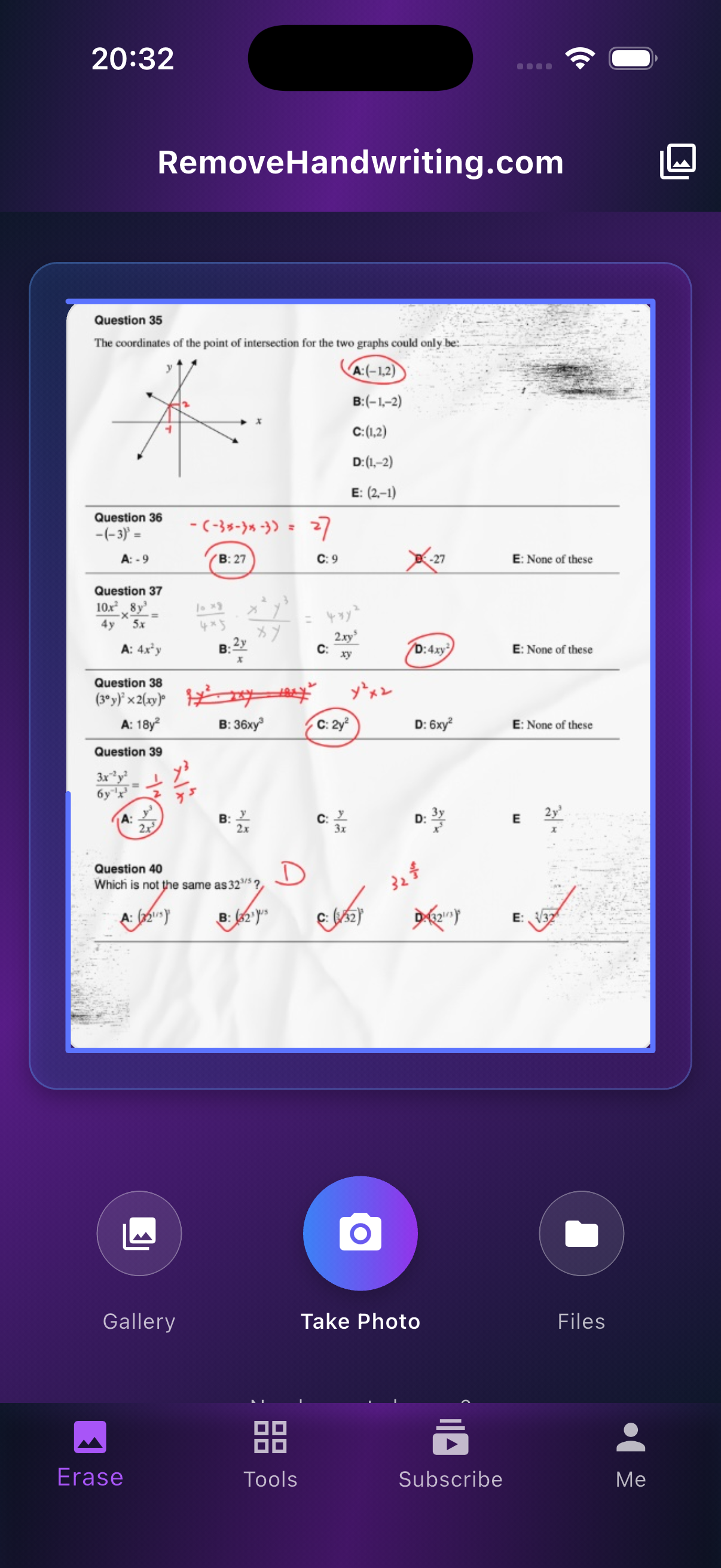
Take photos directly or choose from gallery
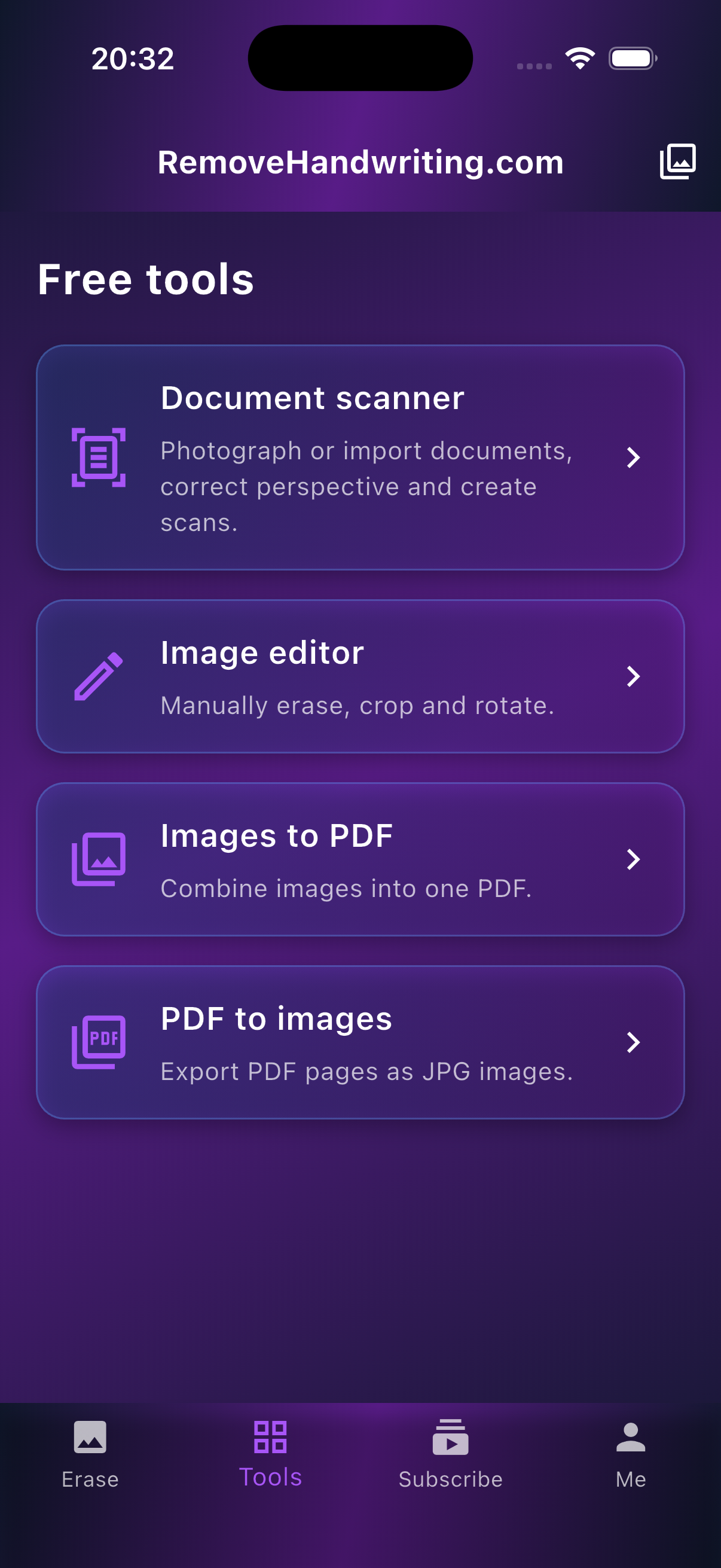
Free image editor · Free PDF conversion tools
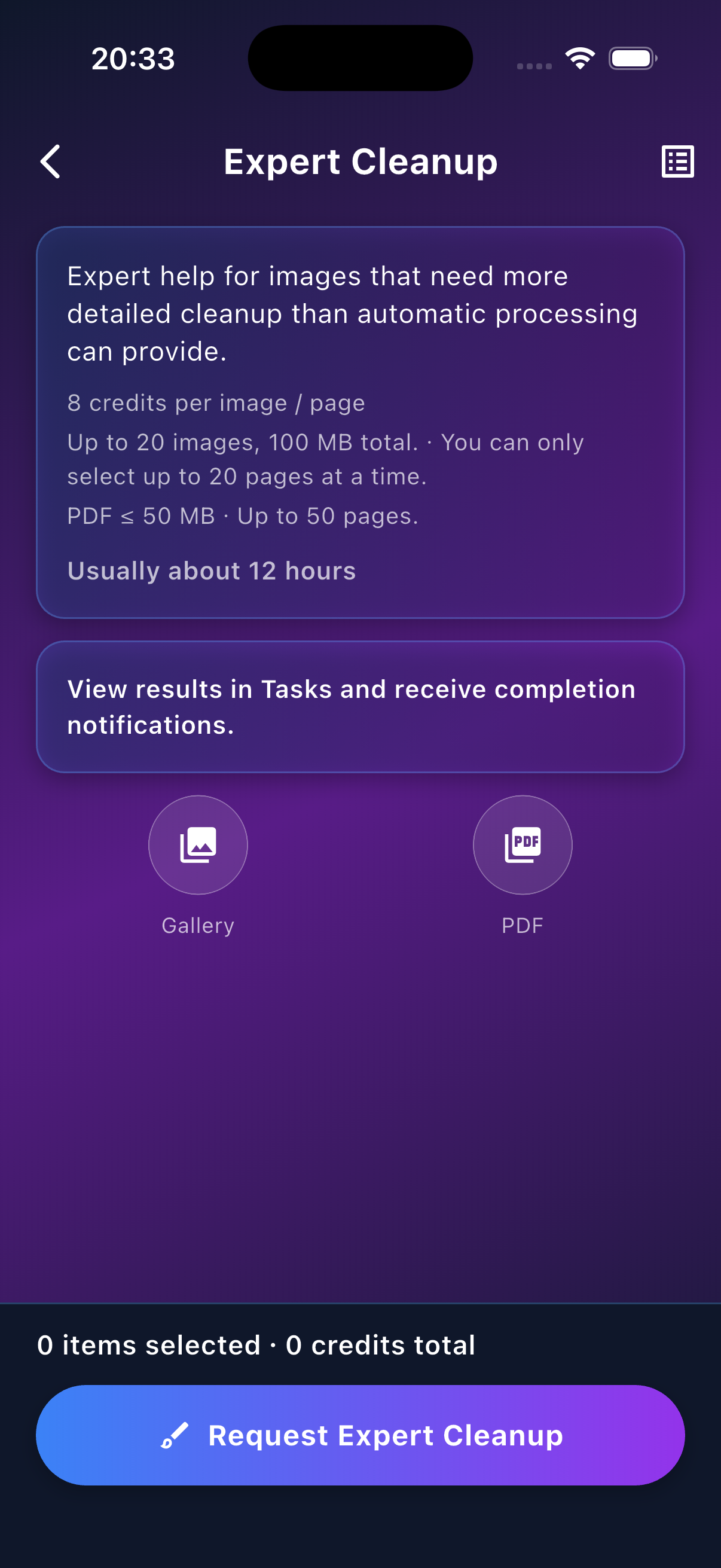
Added Expert Cleanup: submit requests, track progress, and save results in the app.
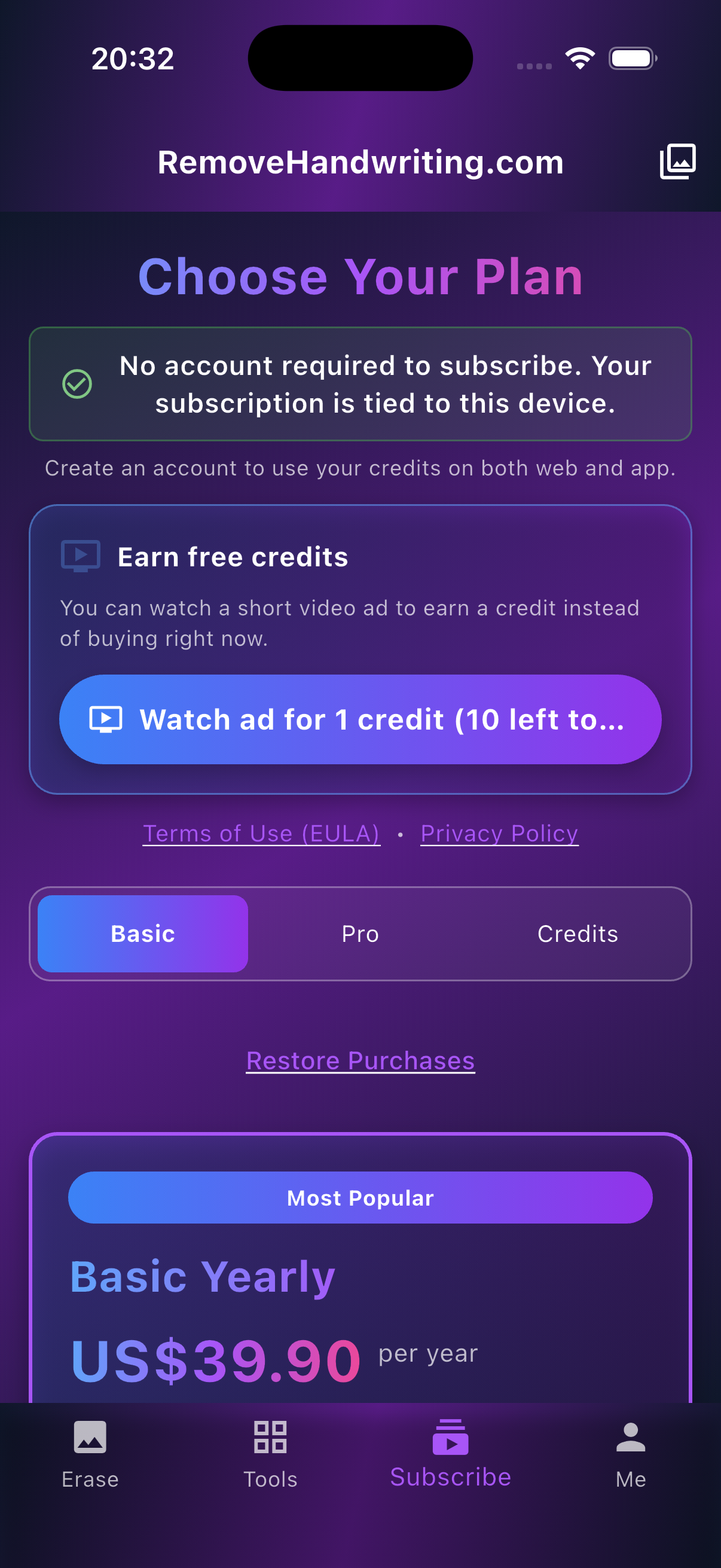
This free remove handwriting app lets you watch short ads, earn credits, and keep using the service without paying
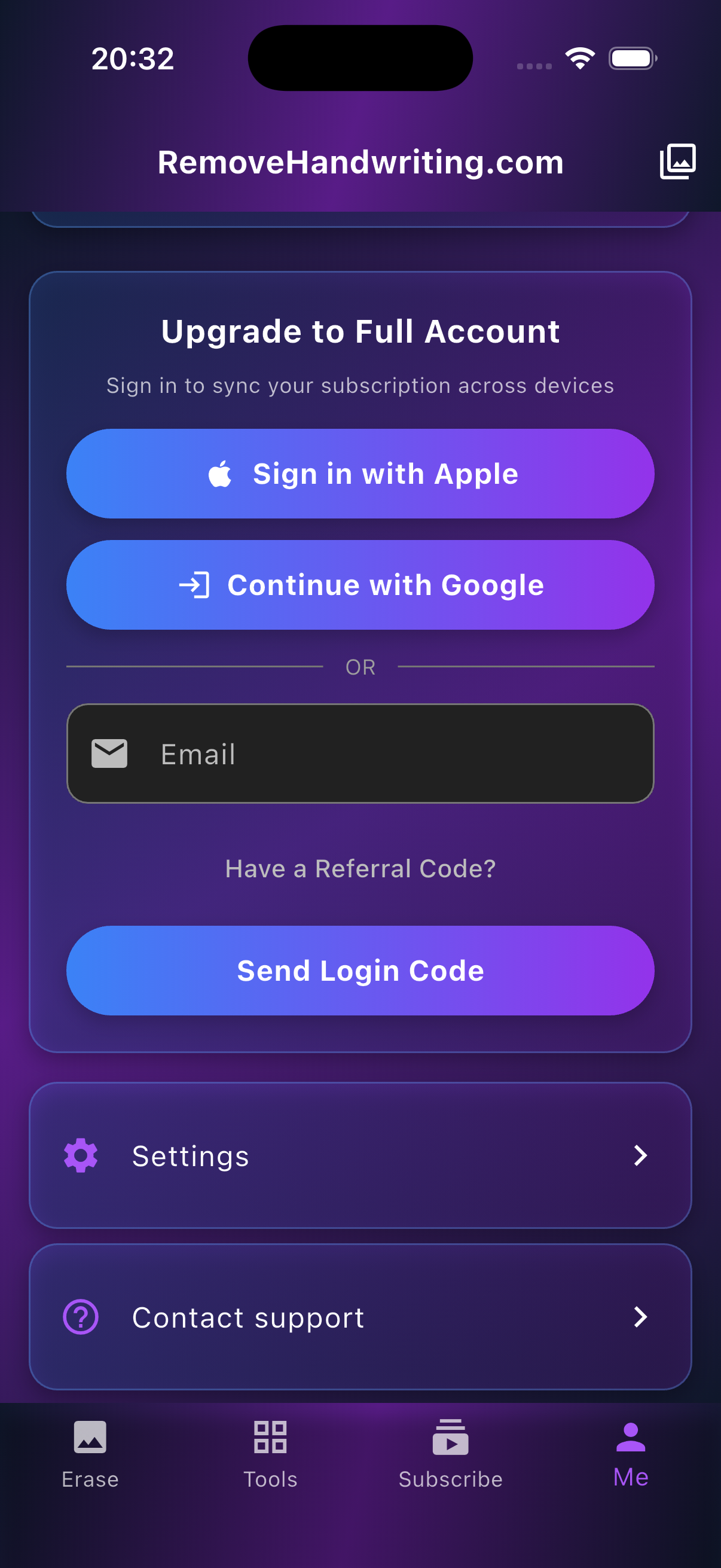
Seamless account sync between web and mobile
Take photos directly or choose from gallery
Photograph your document, review its edges and adjust the corners before AI processing. Perspective correction helps straighten angled pages.
Remove handwritten notes and marks from document photos while keeping printed content where possible. AI processing requires an internet connection and uses credits.
Export and share cleaned images or PDFs right after processing
Download the official Remove Handwriting app for iPhone, iPad and Android. Clean handwriting from photos and PDFs, correct document perspective, and use free image editing and PDF conversion tools.
Remove handwritten notes and marks from document photos while keeping printed content where possible. AI processing requires an internet connection and uses credits.
Try Web VersionPhotograph your document, review its edges and adjust the corners before AI processing. Perspective correction helps straighten angled pages.
Clean multiple images or pages of a PDF in one workflow, then save or share the processed results.
Try Web VersionUse the separate local editor to erase with a white brush, crop and rotate images. The brush also covers printed text; it is not AI background restoration.
Try Web VersionCombine images into a PDF or convert PDF pages into images on your device, without login or credits.
Try Web VersionSync your account, credits, and processing history between web and app
| Feature | Internet | Account | Credits |
|---|---|---|---|
| AI handwriting removal | Required for AI processing | Guest or signed-in account | Uses credits |
| Free image editor Free PDF conversion tools | Local processing; works offline | No login required | No credits used |
Free to download. New users get 3 credits. Watch ads in the app for more credits, and earn 3 credits for each successful referral.
Free to download. Processing uses credits. Paid subscriptions are credit plans, not unlimited processing.
View PricingChoose the app for taking document photos, adjusting perspective, editing images locally and converting PDFs on your phone.
Choose the web for working in a browser on a larger screen, uploading images or PDFs and cleaning batches without installing an app. Camera availability depends on your browser and device.
Try Web VersionSync your account, credits, and processing history between web and app
Download the official Remove Handwriting app for iPhone, iPad and Android. Clean handwriting from photos and PDFs, correct document perspective, and use free image editing and PDF conversion tools. Clean multiple images or pages of a PDF in one workflow, then save or share the processed results.
The app supports iPhone and iPad on iOS 15.5+ and Android phones and tablets on Android 8.0+.
Yes. Processing history, account settings, subscriptions, and credits sync between the app and the web.
Clean multiple images or pages of a PDF in one workflow, then save or share the processed results.
Use the separate local editor to erase with a white brush, crop and rotate images. The brush also covers printed text; it is not AI background restoration.
AI handwriting removal needs an internet connection, including with a paid subscription. The separate free image editor and PDF conversion tools run locally without login or credits.
Yes. New users get 3 credits on signup. You can watch ads in the app to earn more credits, and a successful referral earns 3 credits.
Yes. Remove Handwriting AI is free to download. Processing uses credits, and paid subscriptions are credit plans, not unlimited processing.
Official app download
Download the official Remove Handwriting App from this page to avoid fake apps and keep your credits synced across web and mobile.
The company listed above operates RemoveHandwriting.com and its official mobile apps. You can check the developer information in each store.
Liwa Software Limited is the Google Play display name of 深圳力娃软件技术有限公司, whose English name on the App Store is Shenzhen Liwa Software Technology Co., Ltd..
Download the official Remove Handwriting app for iPhone, iPad and Android. Clean handwriting from photos and PDFs, correct document perspective, and use free image editing and PDF conversion tools.
Last updated: