
How to remove a signature
- Upload a photo, document image or PDF.
- Start processing. For PDFs, select the pages to clean first.
- Compare the original and result, then download.
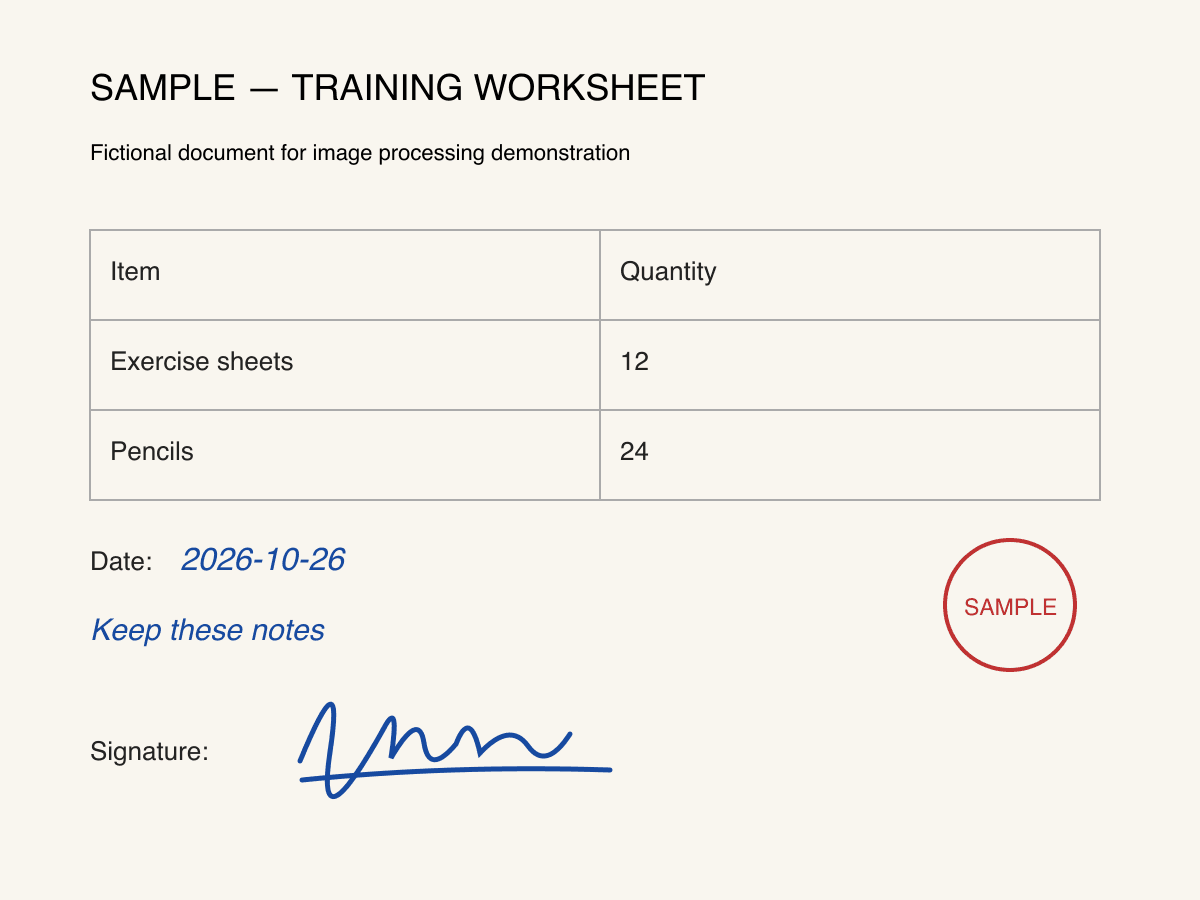
Before
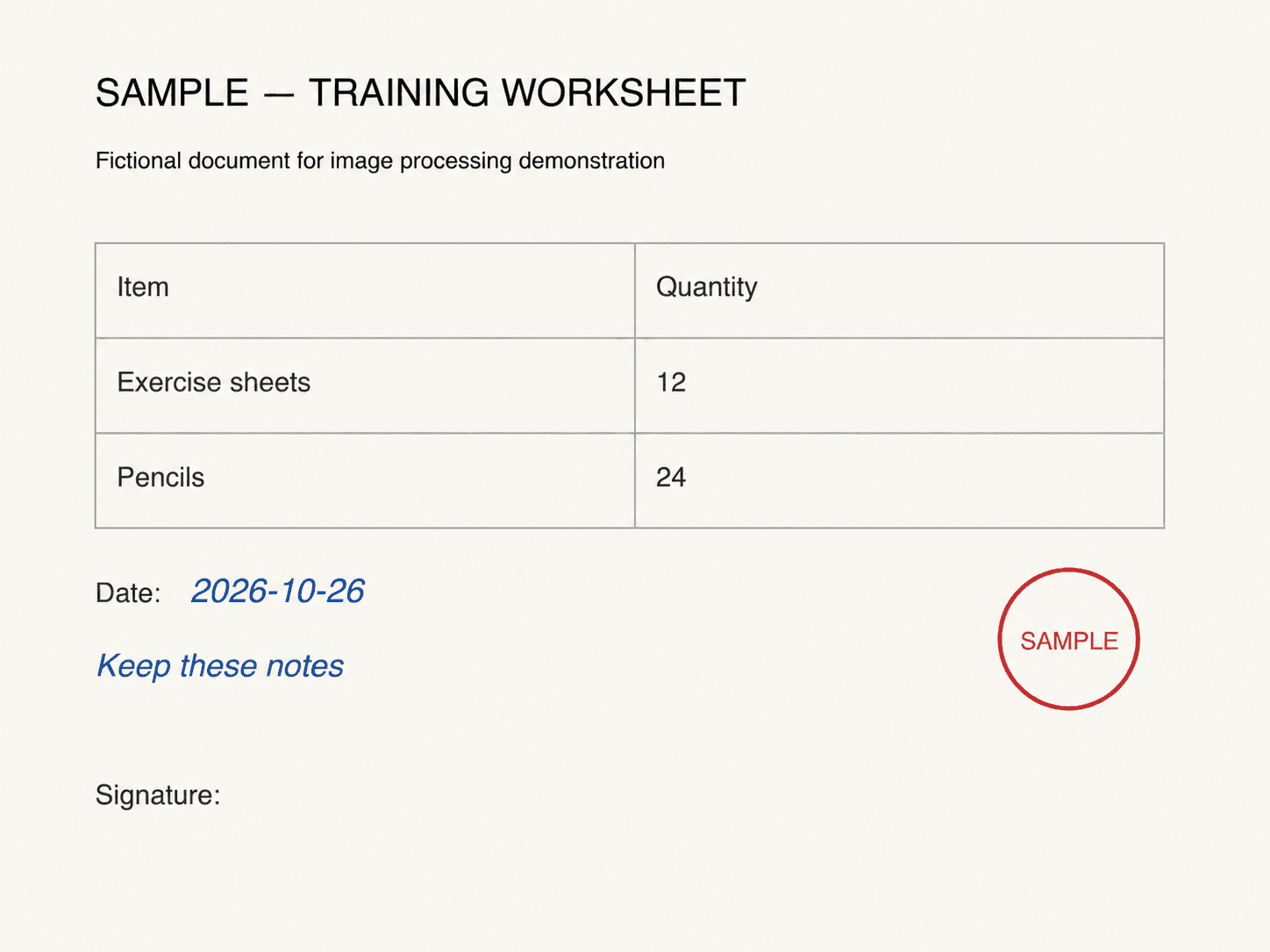
After
Scope & frequently asked questions
What does the signature remover change?
Only handwritten signatures are targeted. Other handwriting, dates, notes, printed text, tables, stamps, colors and layout should be preserved.
Does it remove digital signatures or signature backgrounds?
Automatically targets all clearly identified handwritten signatures. No digital signature field deletion or signature background removal. AI may alter other details; compare the result carefully. Original editable PDF text layers and signature validity are not preserved.
5 credits per image or processed PDF page. Sign in with sufficient credits; existing trial limits apply.