
Remove text from product photos
Clean up labels and sale messages in product photos. Select just the promotional text when you want to keep the lettering on the product.


Refresh posters and promotional images
Erase an outdated headline or offer from a poster, then reuse the image for your next campaign.


Remove printed text from scanned documents
Remove selected printed words from a scanned page. Preview the result before reusing the document image.
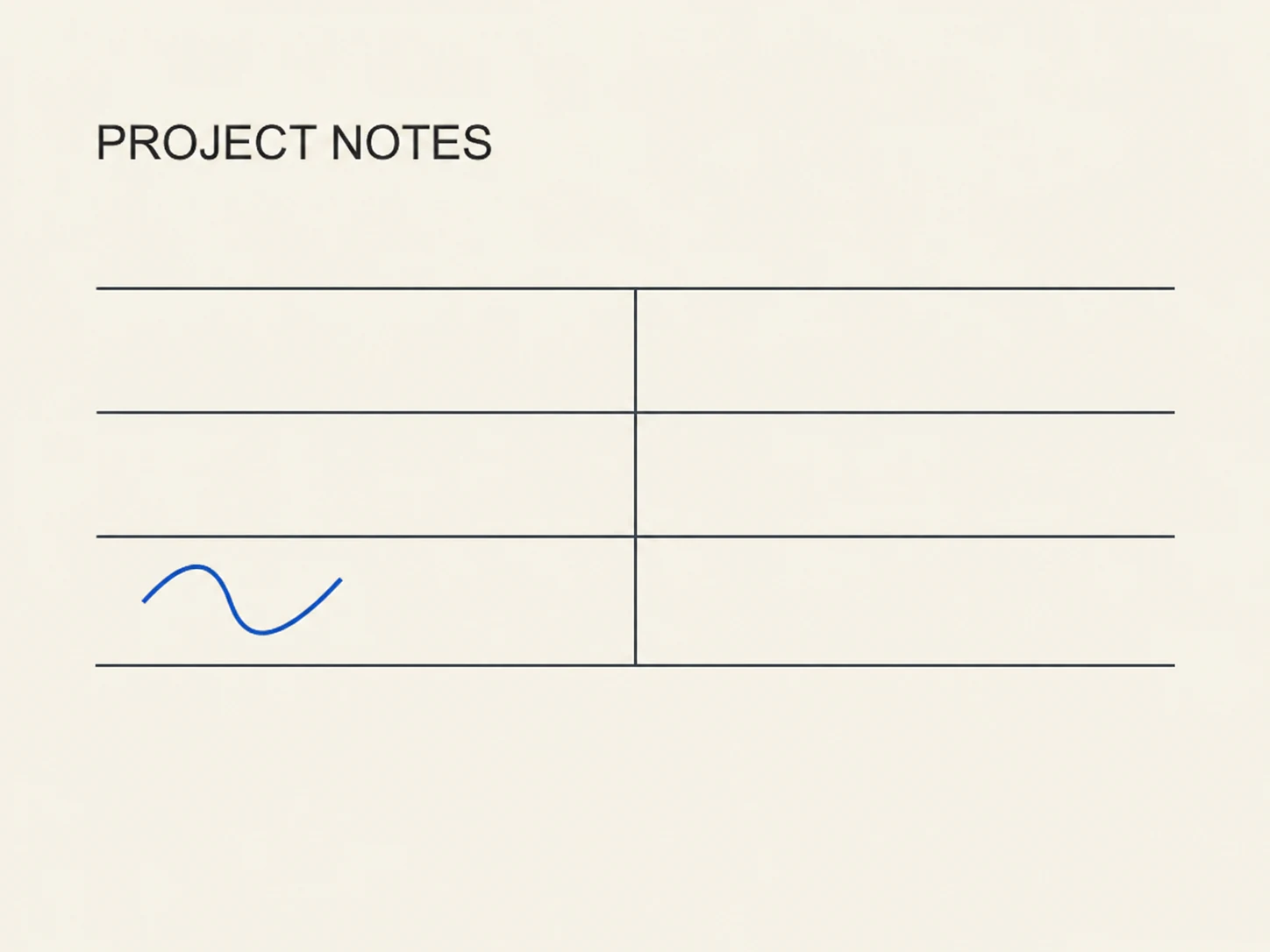
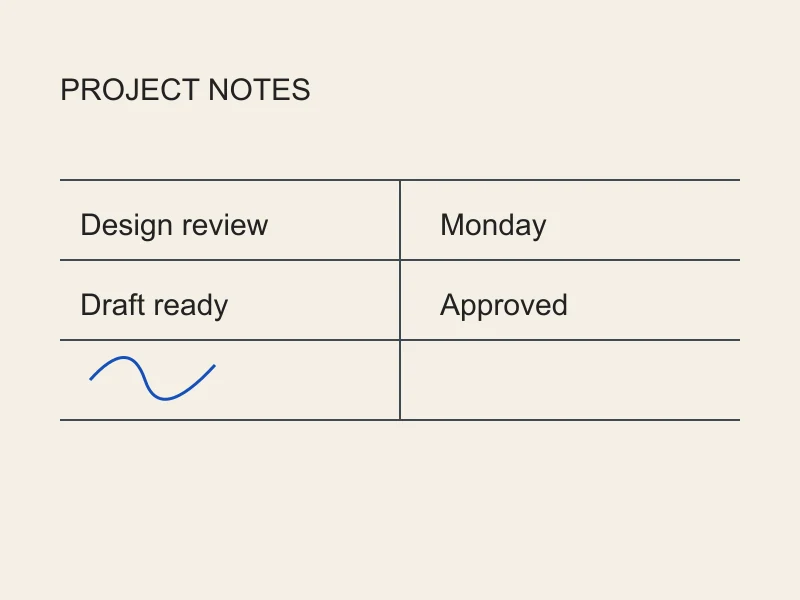
AI repairs the background under removed text. Complex backgrounds and blurry or overlapping text may produce imperfect results; always review the preview.
How to remove text from an image
- Upload a photo, screenshot, or scanned image.
- Choose the whole image or select a rectangular area, then click Remove text.
- Preview the result and download the cleaned image when your account permits.
Questions about image text removal
Can I remove only selected text from an image?
Targets text inside the rectangle. Review the preview before downloading.
Can I remove printed text from a scanned document?
Remove unwanted text from photos, screenshots, and scanned images. Erase text across the whole image or select a specific area.
Can I remove text without removing the background?
AI repairs the background under removed text. Complex backgrounds and blurry or overlapping text may produce imperfect results; always review the preview.
Which image formats are supported? Can I upload a PDF?
JPG, PNG, WEBP, HEIC and HEIF images are supported, subject to the existing upload limits. PDF is not supported on this page.
How much does text removal cost?
Both modes use 5 credits per image. Available trials follow the existing regional policy; trial results are preview-only and cannot be downloaded or printed.